Organize your factory by department and position. Adjust permissions and data access as people move between roles.
Create a factory and review join requests
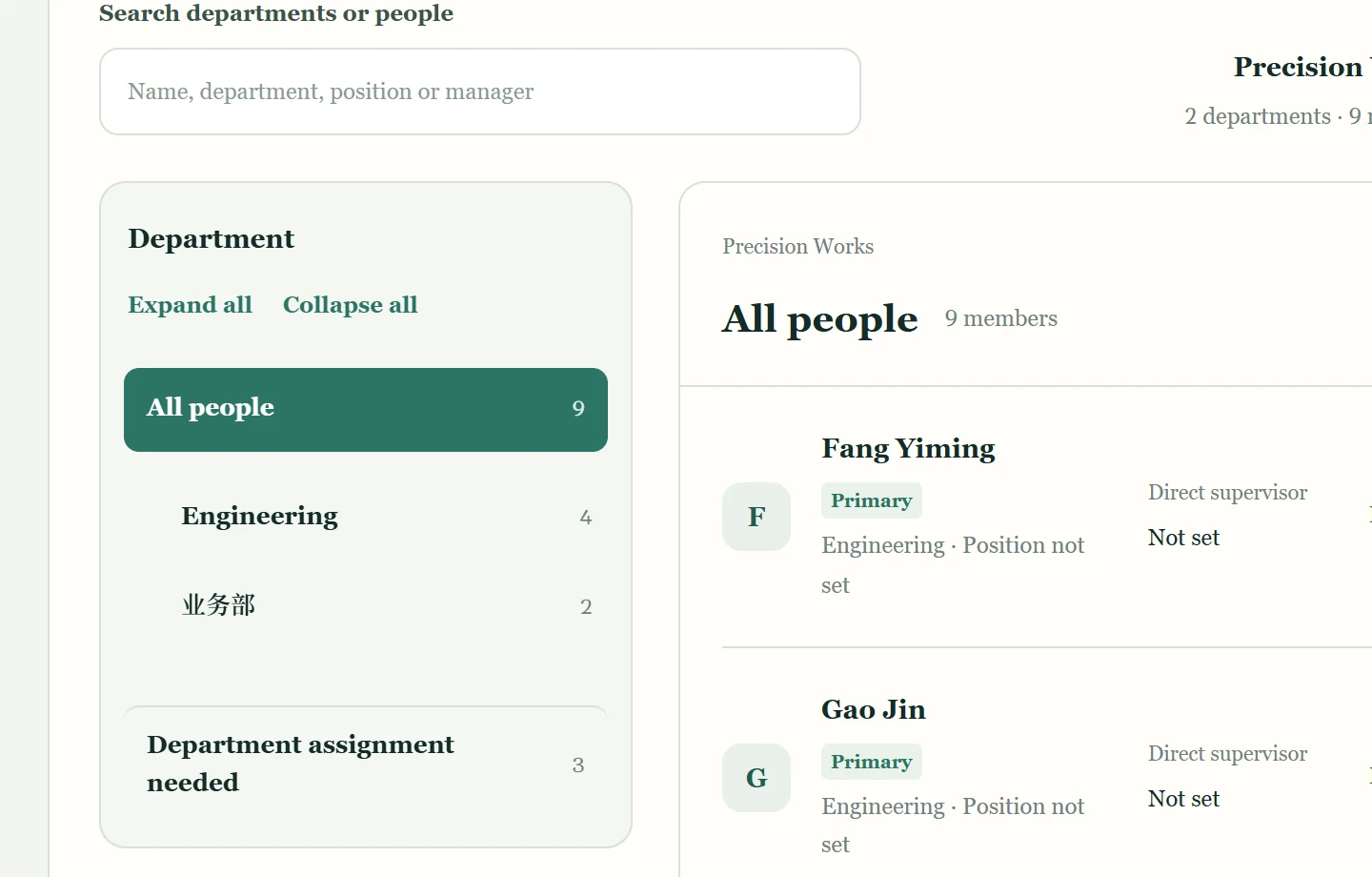
Maintain department hierarchies and positions
Configure roles, permissions and data access
Review membership and position changes
Set working hours and attendance rules
Samples and projects
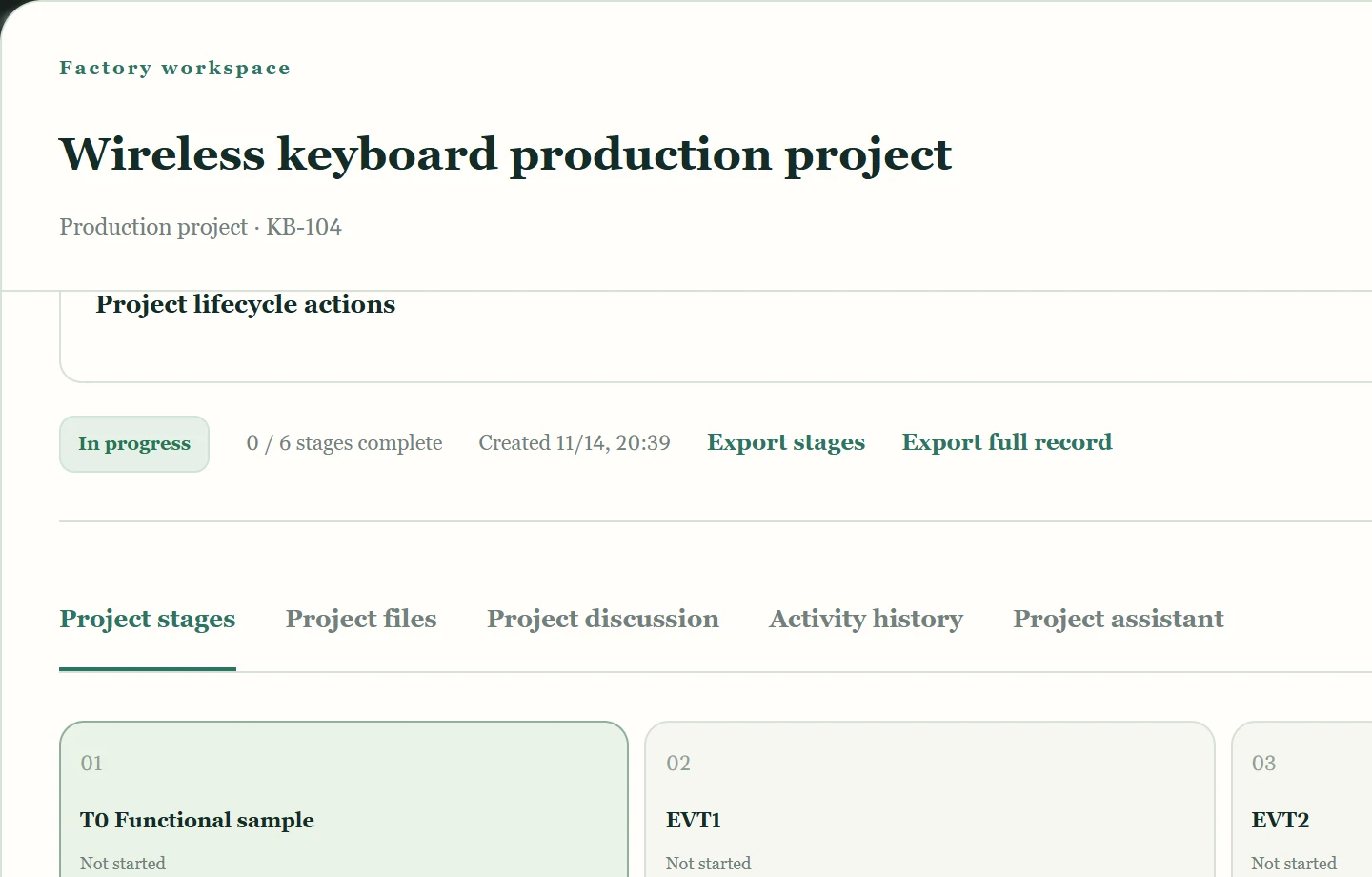
Schedule sample requirements, structural design and acceptance in one plan. Track formal projects through T0, EVT, PVT and MP.
Submit sample requirements and record acceptance
Assign project stages and owners
Keep original deadlines and schedule changes
Submit, review, return or reopen stages
Track delays and archive completed projects
Documents and approvals
Keep engineering documents and product files in one place. Route leave, purchase, material and payment requests through the factory’s approval rules.
Upload project files and keep versions
Review file changes and approval history
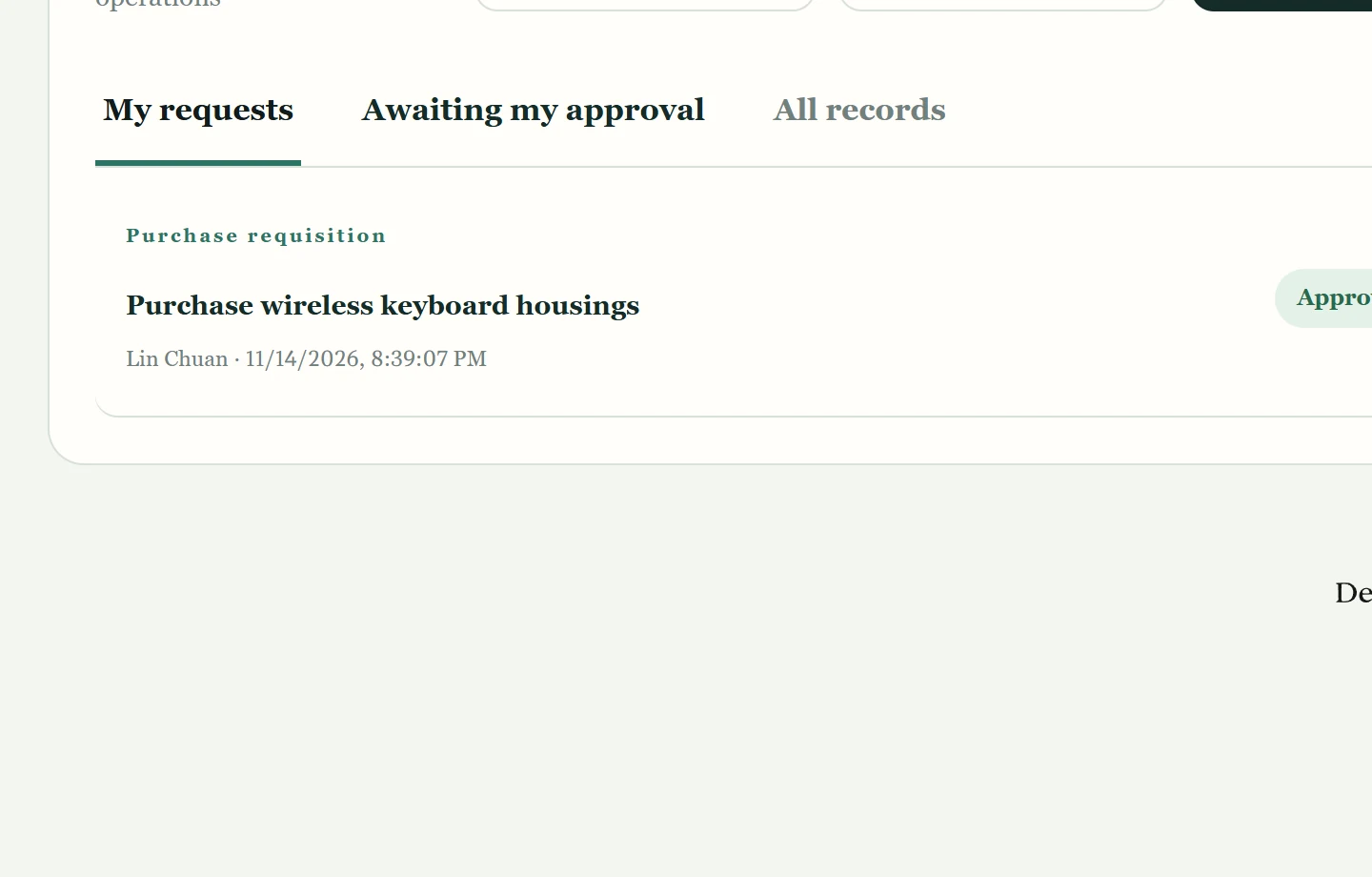
File a request and track its approval
Attach supporting files to requests
Manage controlled engineering files and product catalogs
Customers, quotes and orders
Start with a customer record and carry it through to quotes and orders. Use orders and shipments to prepare trade documents.
Maintain customer records and labels
Import customer records in batches
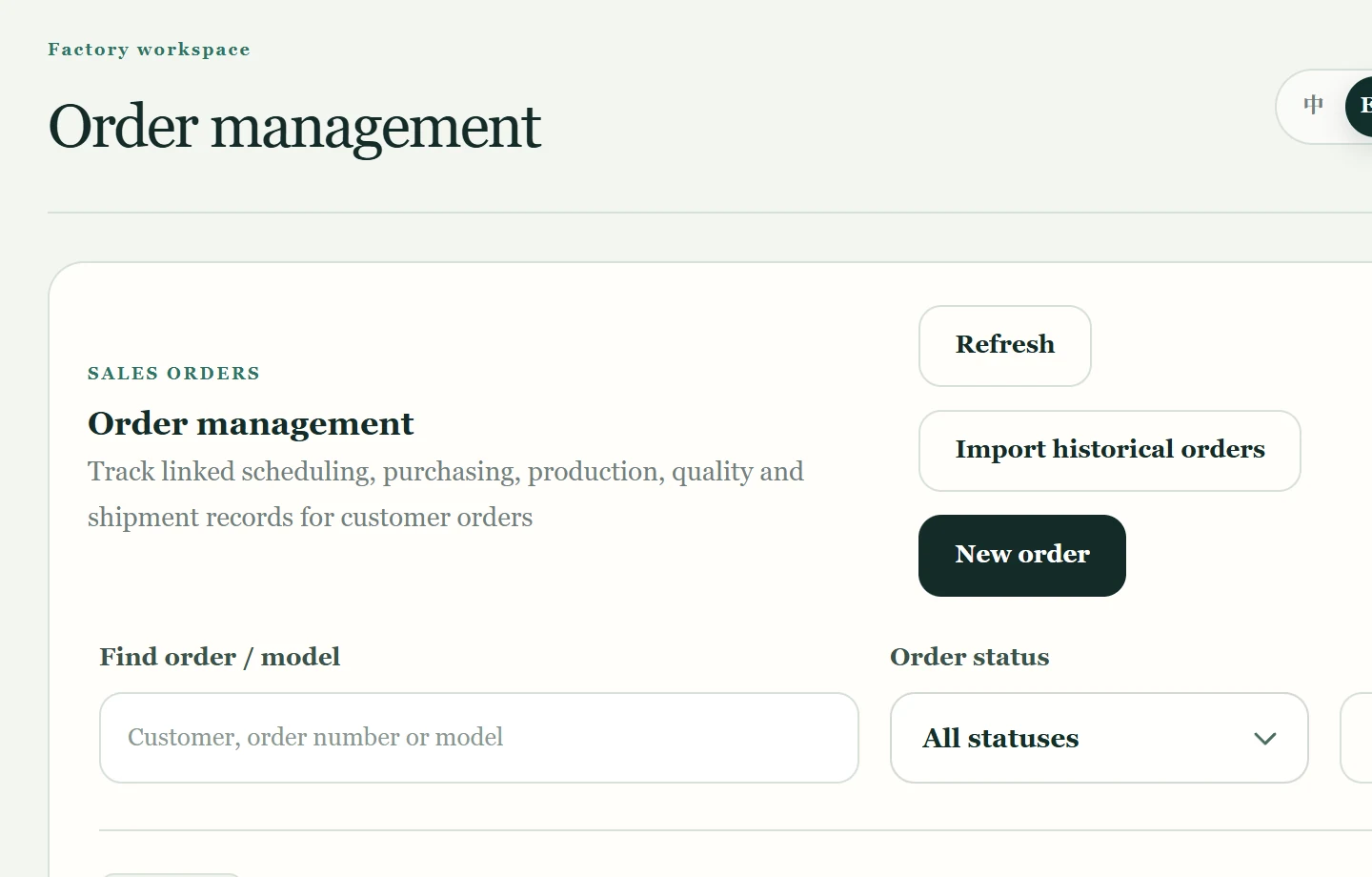
Record orders and track shipments
Preview and export product quotes
Prepare PI, CI and PL trade documents
Purchasing and suppliers
Create purchase orders from approved requests and record partial deliveries. Keep delivery and score history with each supplier.
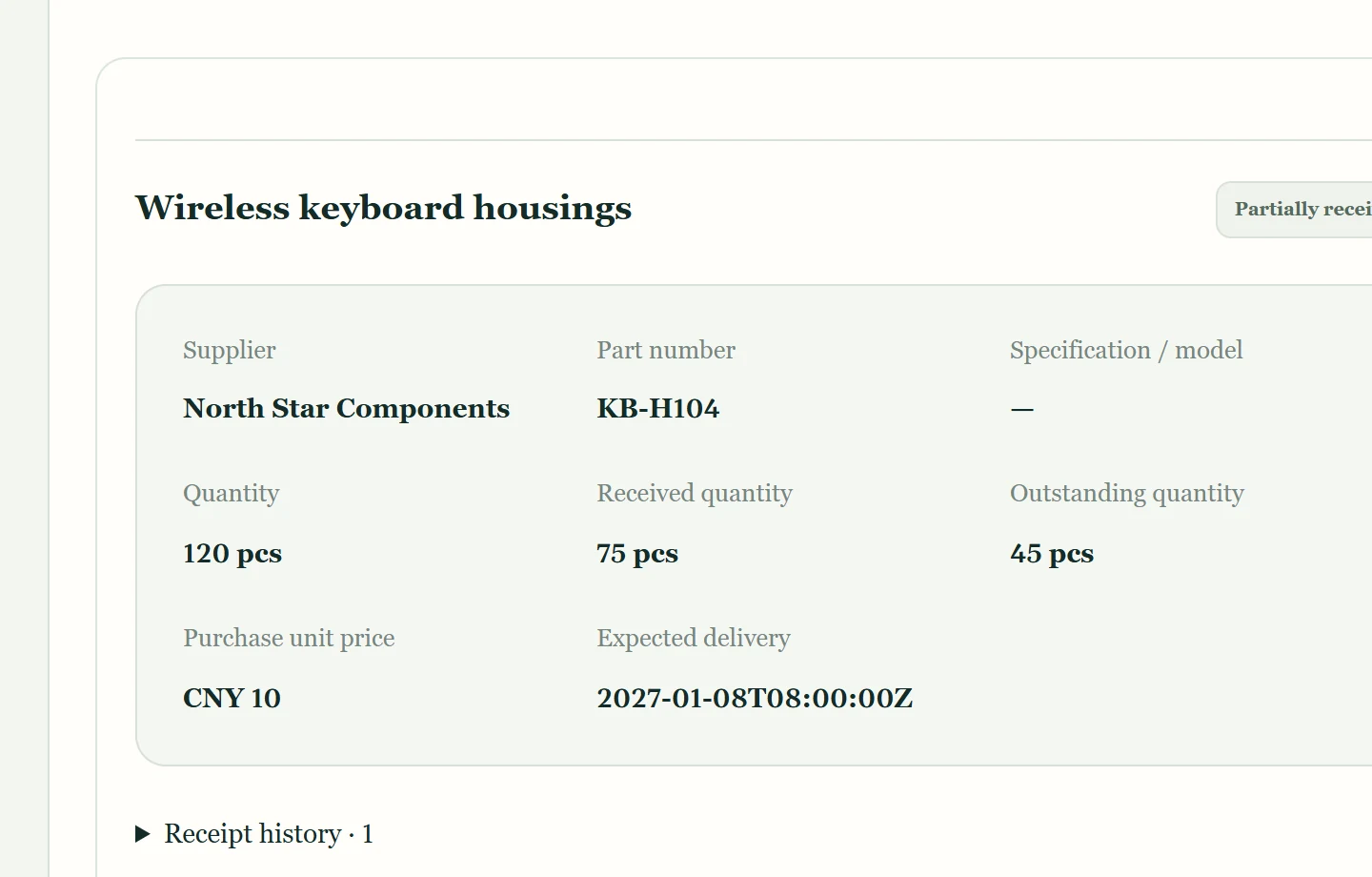
Create purchase orders from approved requests
Maintain supplier and supply records
Record partial deliveries and receipt notes
Save supplier scores against actual deliveries
Production, inventory and quality
Use BOMs and work orders to coordinate materials, output and inspection. Link accepted goods to warehouse receipts and shipments.
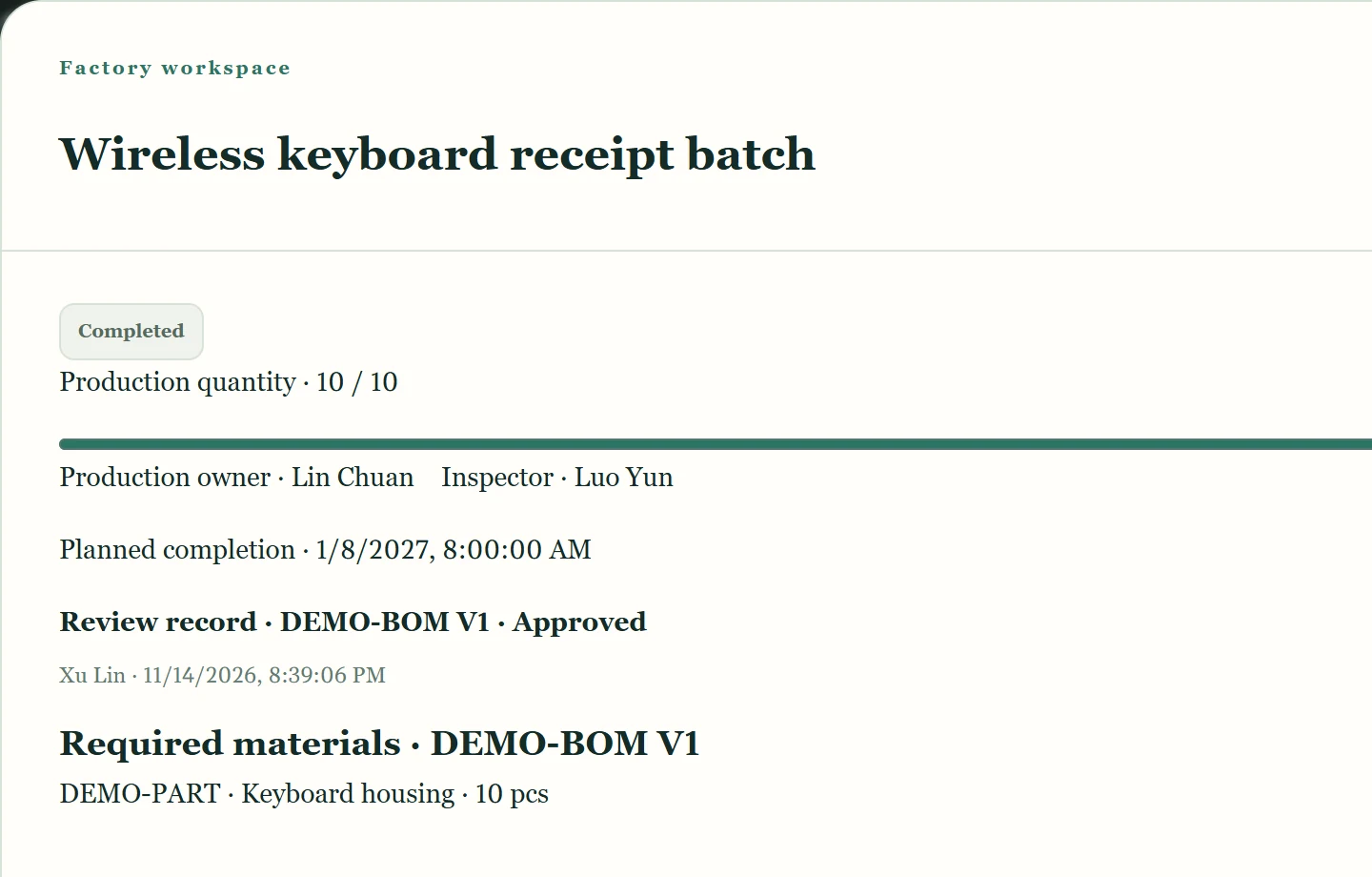
Maintain BOMs and create work orders
Record material issues, output and inspections
Check stock and review inventory documents
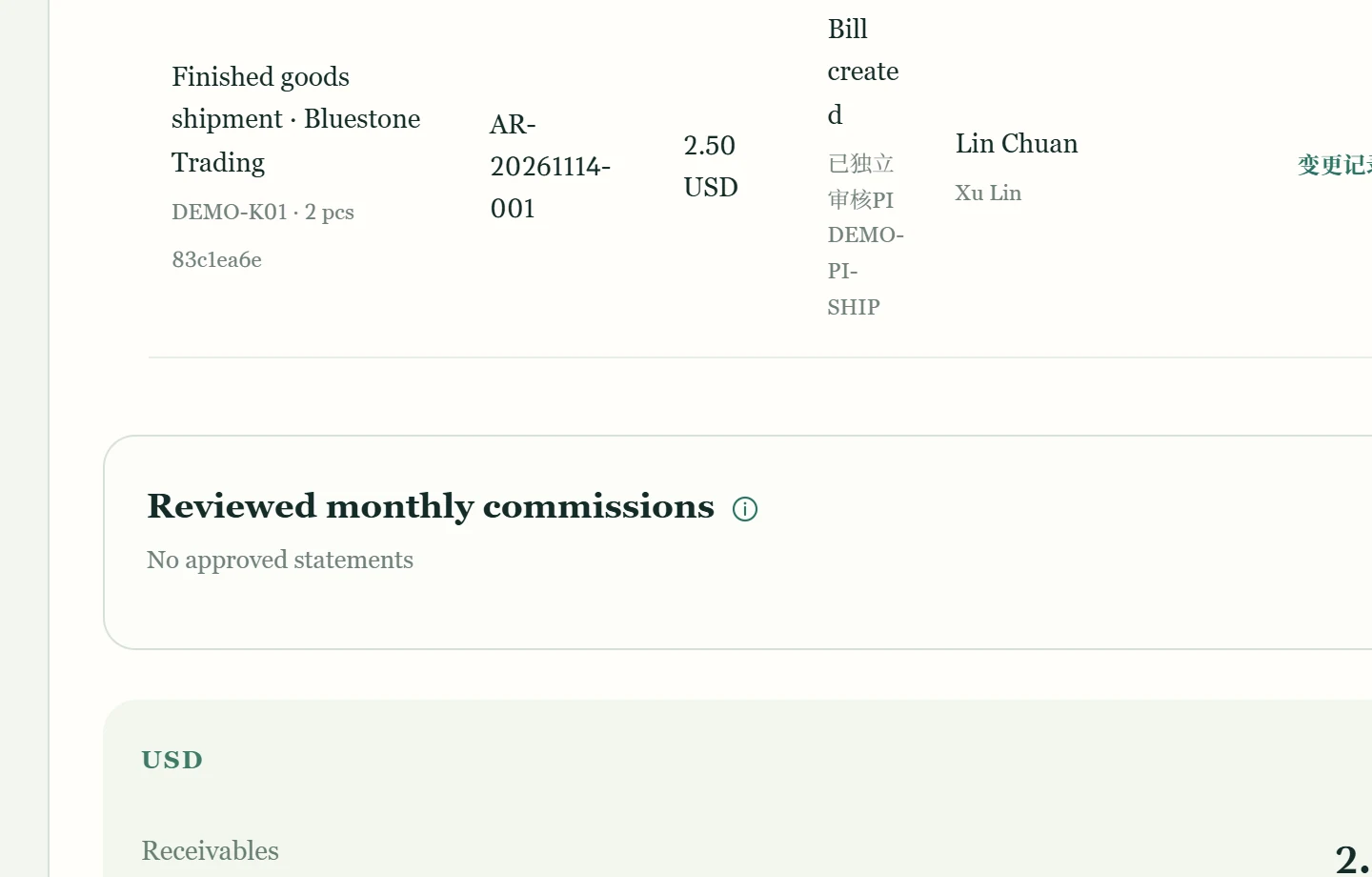
Receive and ship finished goods
Calculate production costs
Finance and reports
Review source documents before posting, then close the accounting period. Finance teams reconcile balances while employees submit scheduled work reports.
Maintain accounts and ledger vouchers
Review finance source documents and balances
Close accounting periods
Submit and review recurring work reports
Collaboration and meetings
Keep project discussions and handoffs in the workspace. Schedule meetings and manage personal work from the same place.
Read project discussions and messages
Use work groups and direct chats
Schedule meetings and record minutes
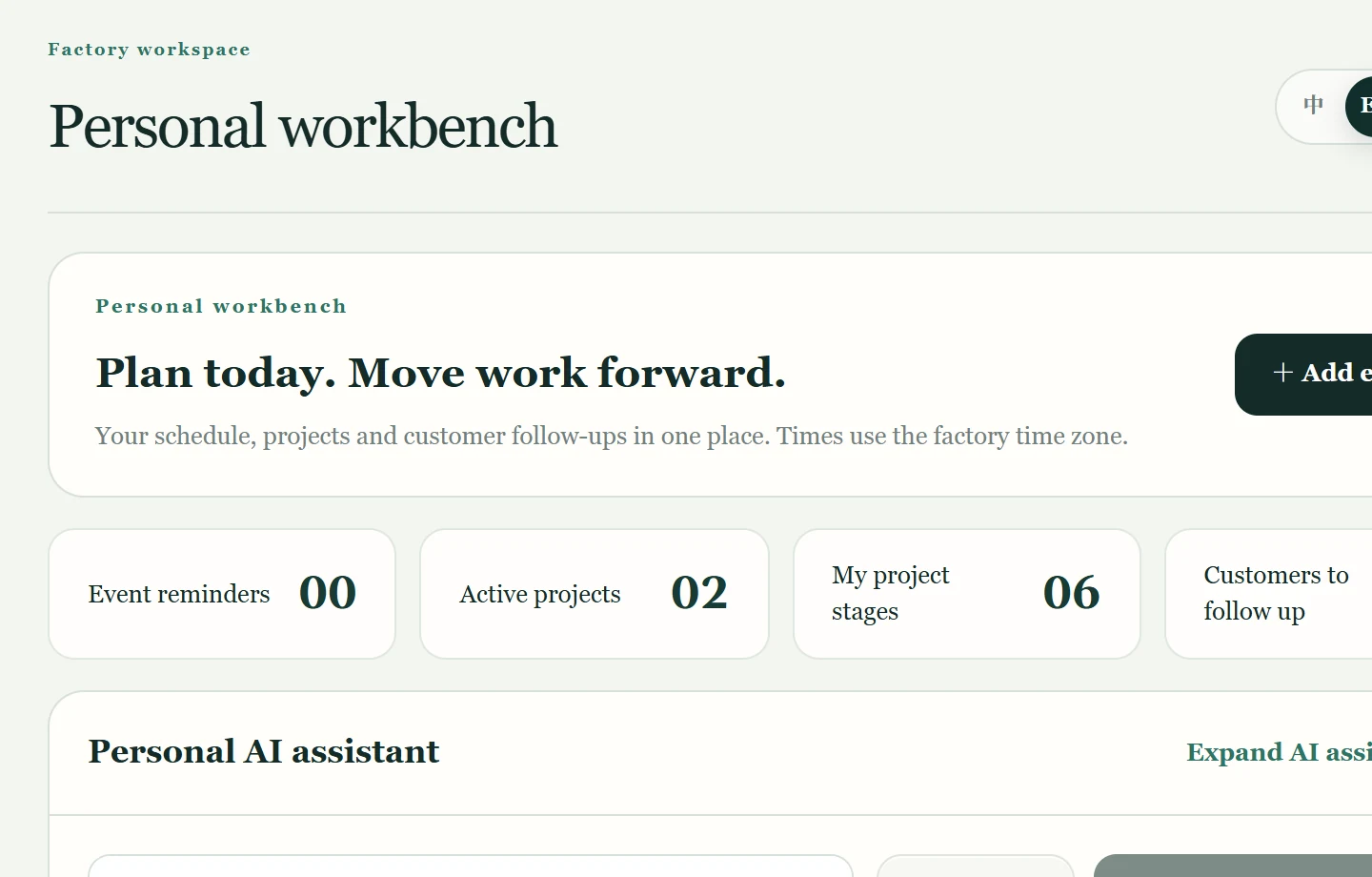
See your assigned work in the personal workspace
Mobile access and integrations
Follow up on project stages and tasks from workspace reminders. Use WeChat for mobile access, and manage API keys in the factory settings.
Read product notifications
Open project stages from their reminders
Check work items in the WeChat Mini Program
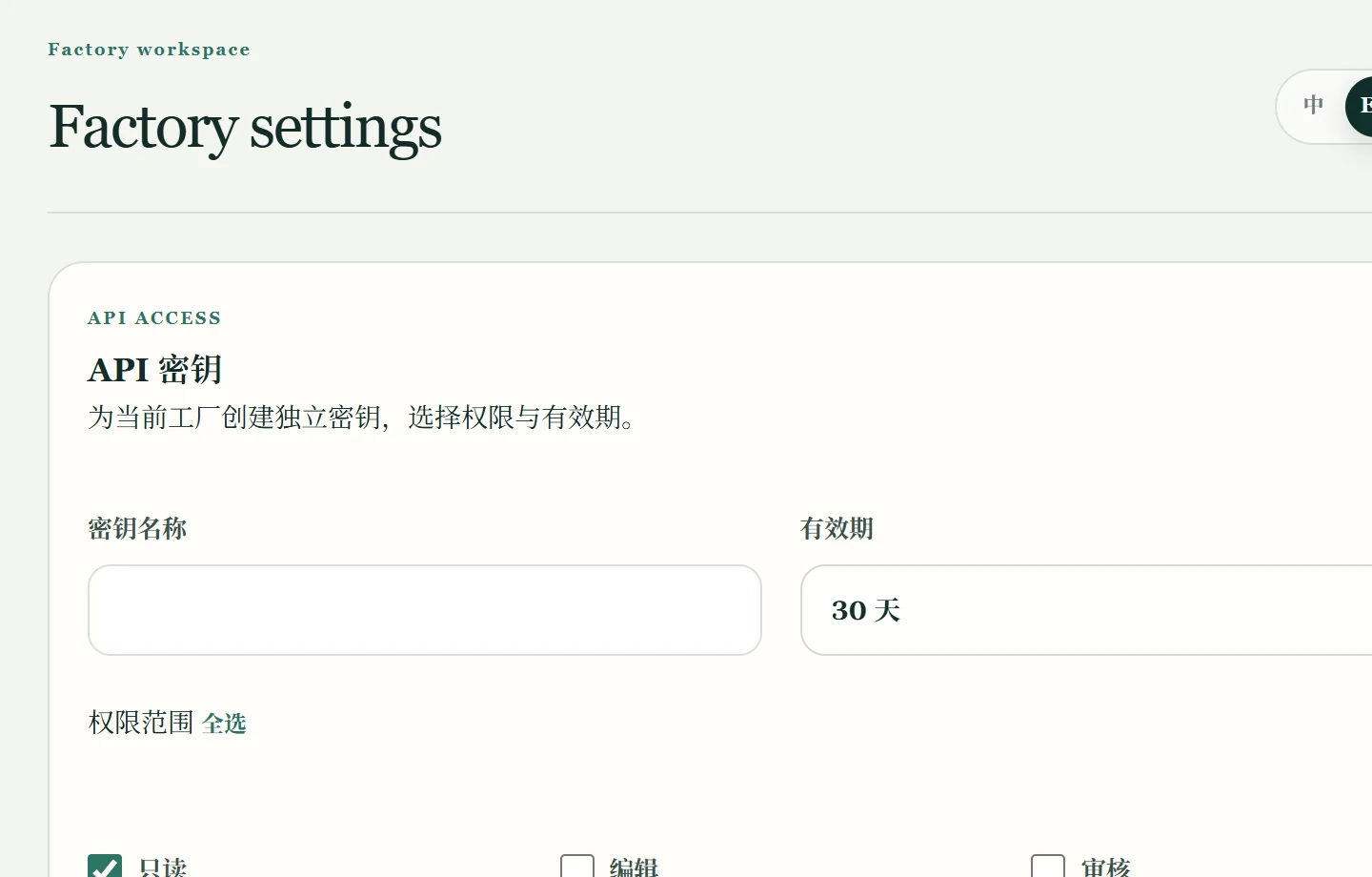
Manage API keys in factory settings
From factory setup to reconciliation
Set up the factory
Prepare quotes
Approve a sample
Run T0–MP stages
Purchase and produce
Inspect and ship
Reconcile and report
Access the workspace from your browser or phone
Web workspace
Open the browser workspace to manage teams, projects and business documents.
WeChat Mini Program
Use WeChat to check work items and project progress.